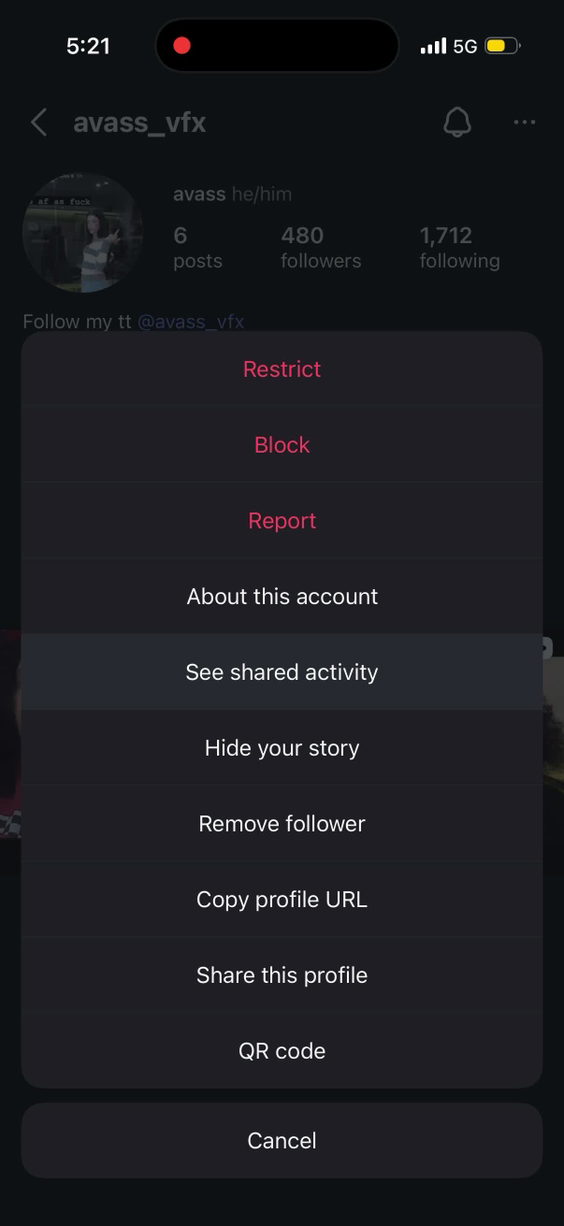
The video is a screen recording of a smartphone interface demonstrating how to report a user on TikTok. It begins at 00:00 with a TikTok profile page, where the user taps the three dots next to the 'Follow' button, revealing a menu with options including 'Restrict,' 'Report,' 'Block,' 'Hide your activity,' 'See shared activity,' 'View profile,' 'Copy profile URL,' and 'Share profile.' The user selects 'Report,' triggering a loading screen. The video then transitions to a 'Shared activity' page, displaying interactions such as likes, comments, and direct messages between the user and the profile owner. The entire sequence is a step-by-step tutorial focused on platform navigation and reporting functionality, with no visible real-world location, physical activity, or discoverable experience. The only audio is a single word, 'you,' spoken at 00:02–00:03, which appears to be part of the interface or a voiceover cue but lacks context. The visual content is entirely digital, static, and lacks human presence, narrative, or environmental context beyond the smartphone screen.
smartphoneTikTok appprofile pagemenureport optionloading screenshared activity pagelikes
View full video listing
 Delhi, CA
 1K+ Views
 100+ Likes