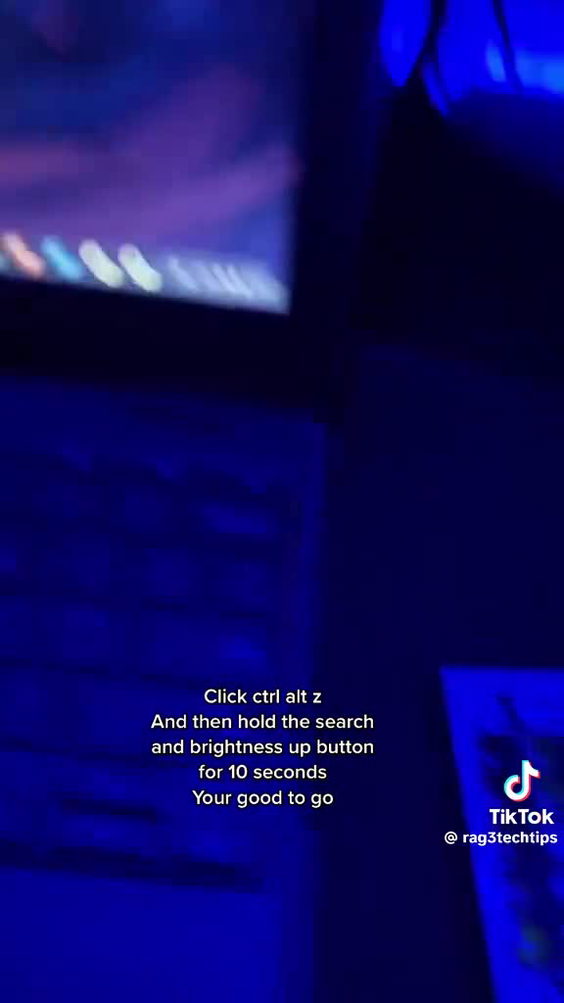
The video is a short, instructional clip demonstrating a method to make a Chromebook appear glitched. It begins with a laptop screen displaying a vibrant sunset over a mountain range, followed by a title screen reading 'How to make your chrome book seem glitched' and the username 'raegtechchips'. The user types 'chrome' into a search bar and presses search, triggering a transition to a blue background with search results. The video then cuts to a black screen with the TikTok logo and a search bar, where the username 'raegtechchips' is typed in. The entire sequence is a quick, unedited tutorial showing a keyboard shortcut: pressing Ctrl + Alt + Z, then holding the Search and Brightness Up buttons for 10 seconds to simulate a glitch effect. The content is purely digital, focused on a software trick with no real-world location, activity, or experience shown. There is no human presence, no venue, no context for physical visitation, and no indication of a place or event that could be booked or attended.
laptopkeyboardscreensearch barTikTok logousername displaytyping on keyboardpressing keys
View full video listing
 Saint Petersburg, RU
 1K+ Views
 100+ Likes